Cost & ComplianceAI Cost
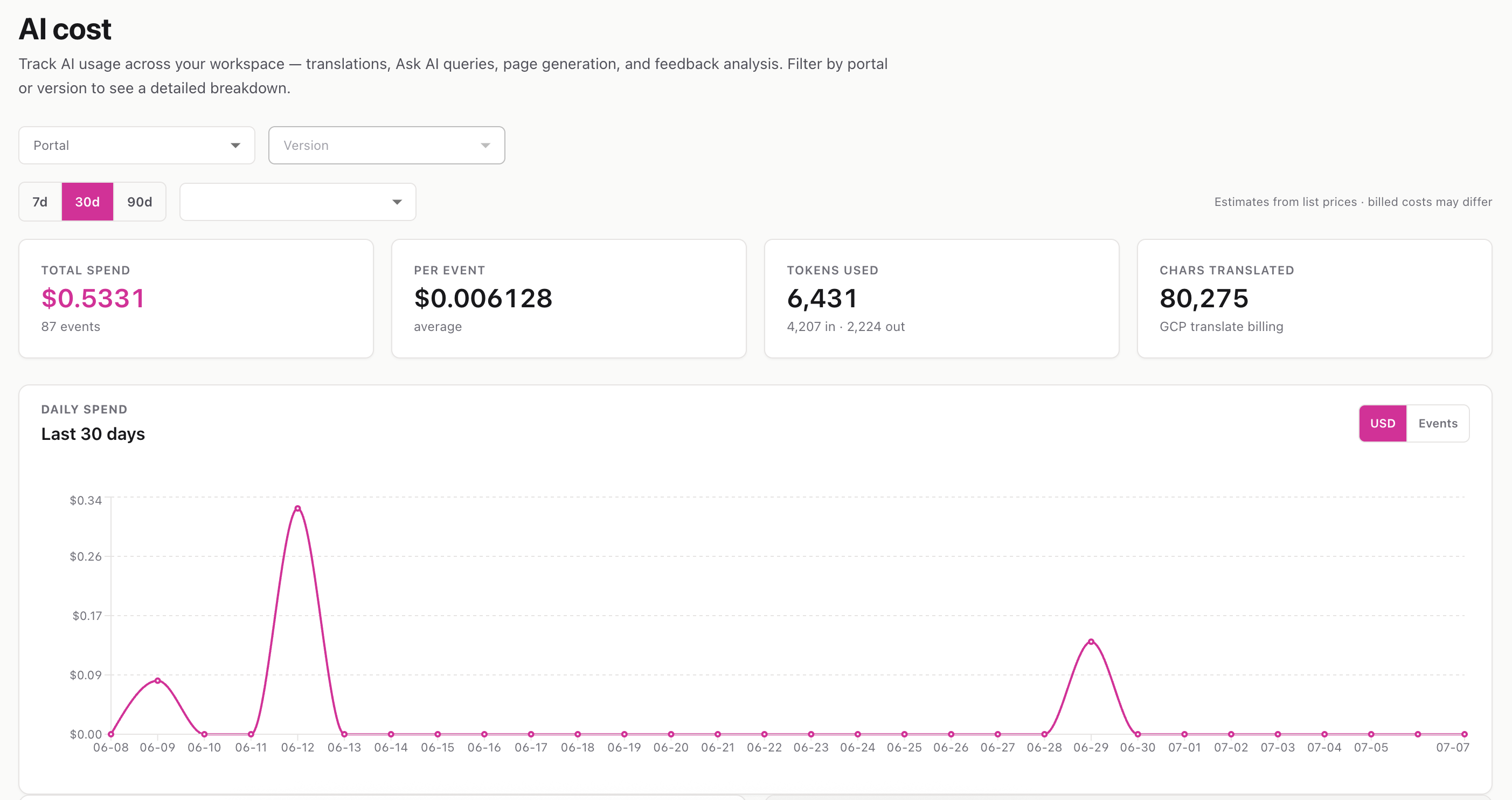
A workspace-wide view of what your AI features are costing — across every portal, broken down by feature, user, page, and portal, over time.
Route: /documentation-portal/ai-cost
Menu: Cost & compliance → AI cost (all portals)
The AI cost page rolls up spending from every AI-powered feature in your workspace — page authoring, Ask the docs, feedback synthesis, translations, SmartDox (narration, text-to-speech, video), URL/PDF-to-video, voice cloning, avatars, and more. It’s the single place to see where your AI budget is going.
ℹ️ Figures are estimates based on vendor list prices. Your actual bill can differ depending on whether you’re on platform keys (with markup) or your own BYOK keys (no markup).
The stats strip shows four headline numbers for the selected period:
The page lays out several views so you can find what’s driving spend:
This page requires AI cost permission. Viewers without it won’t see the menu item, and the underlying data is blocked server-side too. If a section has no data for the chosen window, it simply shows “No AI calls in this window.”
📚 For how markup and your own keys affect real billing, see LLM Keys (BYOK) and Billing & Subscription .