SettingsCompany Information
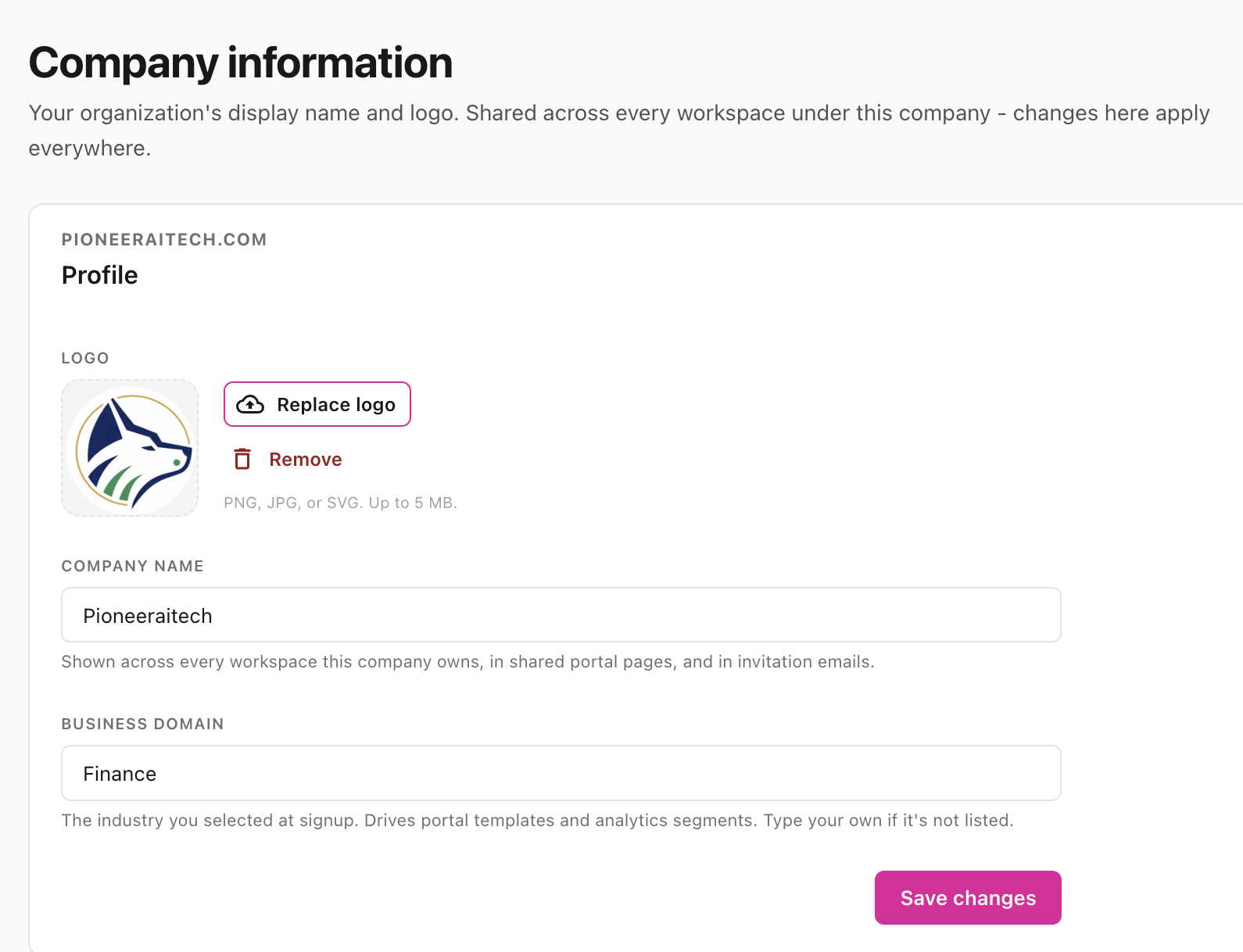
Your organization’s shared identity — company name, logo, and industry. These apply to every workspace under your company, so a change here shows up everywhere.
Route: /settings/company
The Company Information page defines the org-wide branding that’s shared across all your workspaces, on shared portal pages, and in the invitation emails your team sends. Unlike per-workspace settings, edits here apply company-wide.
The logo you set here also appears in the top-left corner of the Settings header.
ℹ️ Accepted formats are PNG, JPG, and SVG, with a 5 MB size limit. Files outside these limits are rejected with a message.