SettingsIntegrations
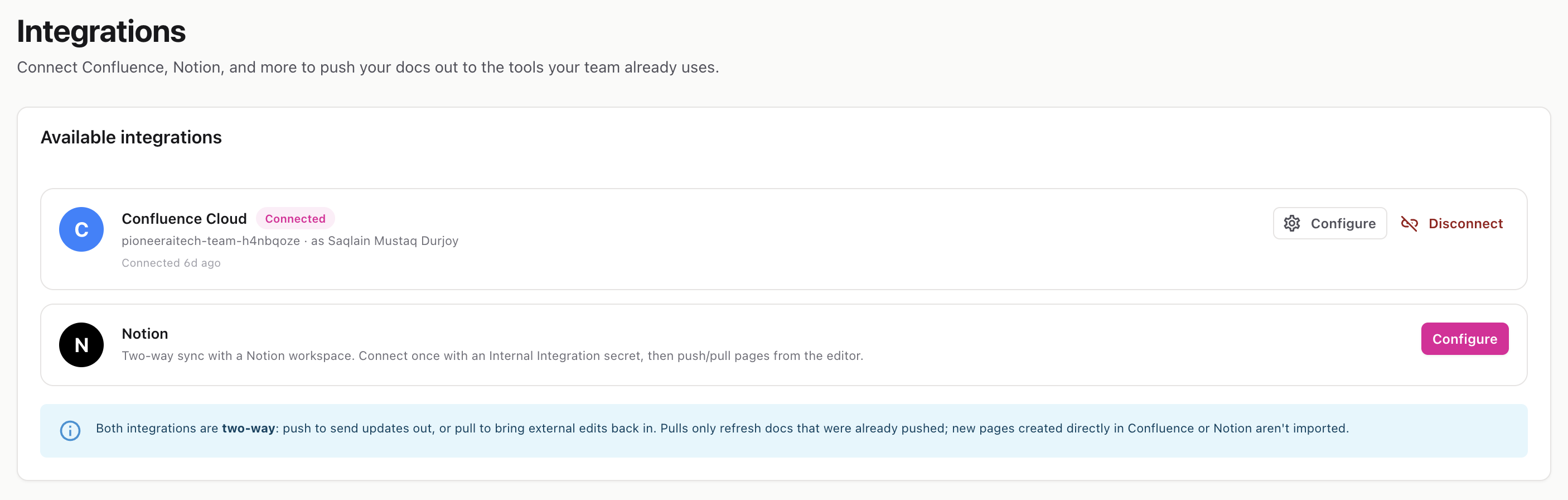
Connect external documentation tools — Confluence Cloud and Notion — so you can push and pull docs between them and InteractiveDox.
Route: /settings/integrations
The Integrations page lets your workspace connect to Confluence and Notion. Both connections are two-way:
Once connected, any workspace member can push and pull from a version’s editor (Export & Sync). Each provider has a card showing its connection status: Connected, Credentials saved, or Expired.
Confluence uses OAuth, so you bring your own Atlassian app credentials.
Notion uses a single integration token (no redirect flow).
secret_ or ntn_).You can later click Configure → Test connection to confirm the token still works.
ℹ️ Secrets are write-only — after saving, InteractiveDox shows only a “saved” indicator, never the plaintext value again.