SettingsUser Profile
👤 User Profile
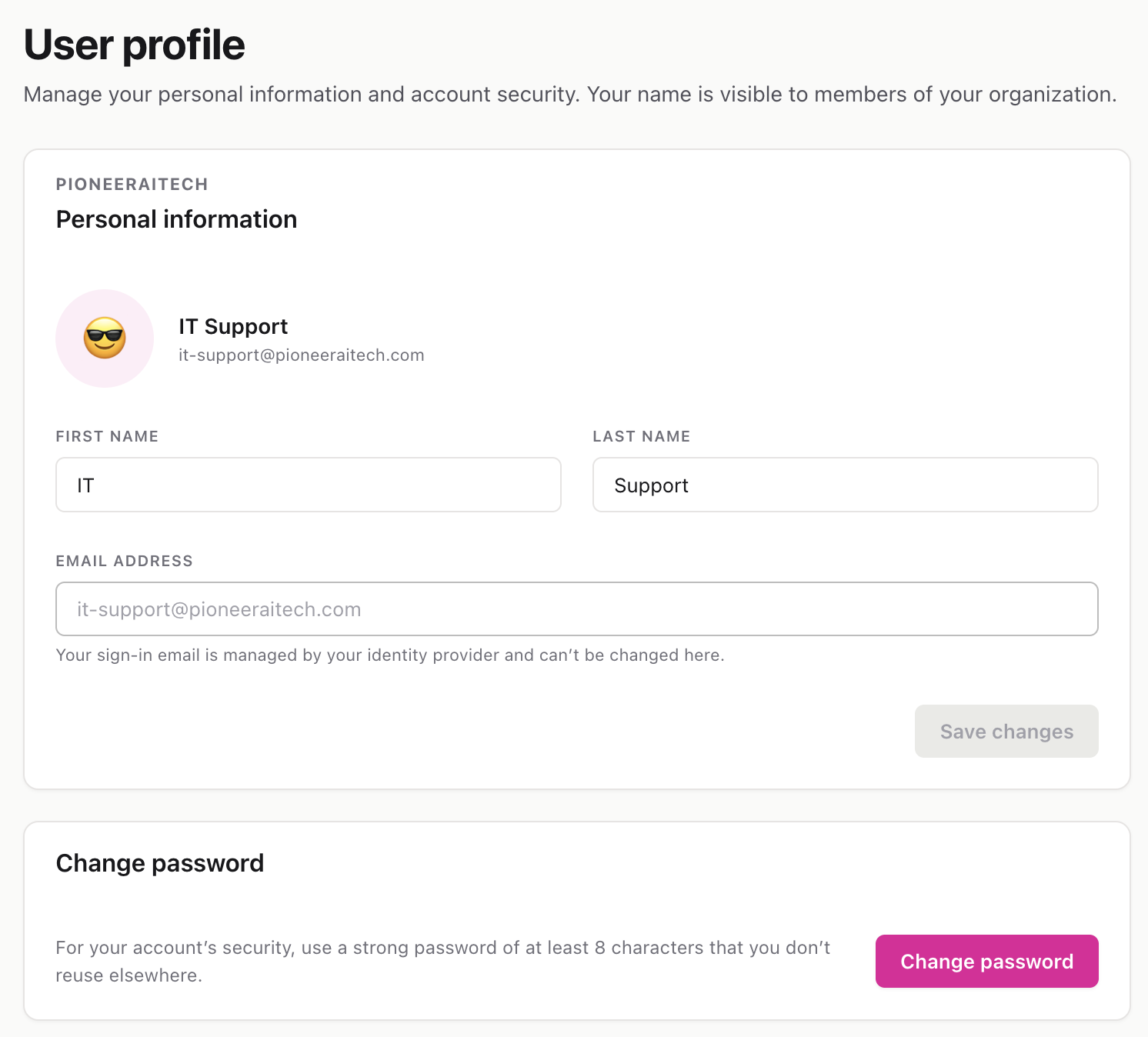
Your personal account settings — your name, sign-in email, and password. These are specific to you, not to the whole workspace.
Route: /settings/profile
🌟 Overview#
The User Profile page is where you manage your own identity inside InteractiveDox. Your name and avatar are visible to other members of your organization, so keeping them current helps teammates recognize you on shared pages, comments, and invitations. This page has two parts: Personal information and Change password.