PortalVersion Domain And SSO
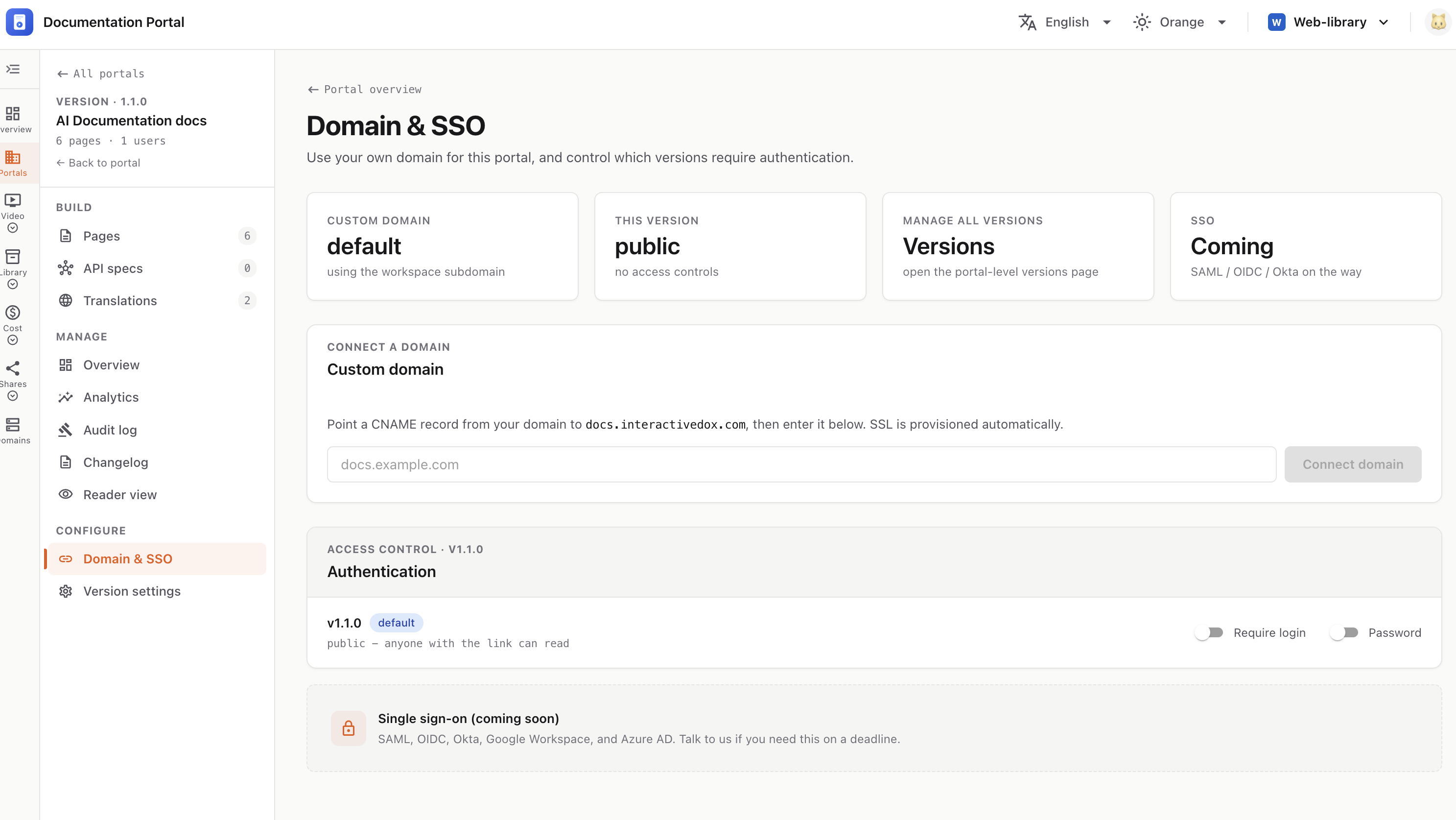
Use your own domain for this portal, and control which versions require authentication.
Open a portal and version, then choose Domain & SSO under Configure in the left nav.
The top strip summarizes the current state: Custom domain (default / connected), This version (public / gated), Manage all versions, and SSO (coming soon).
docs.interactivedox.com.docs.example.com) in the field.Once connected, the card shows the live domain with Open and Disconnect buttons.
💡 Until you connect one, the portal uses the workspace subdomain.
Control who can read the current version with two toggles:
With both off, the version is public — anyone with the link can read.
ℹ️ Single sign-on (coming soon) — SAML, OIDC, Okta, Google Workspace, and Azure AD.