SettingsBilling & subscription
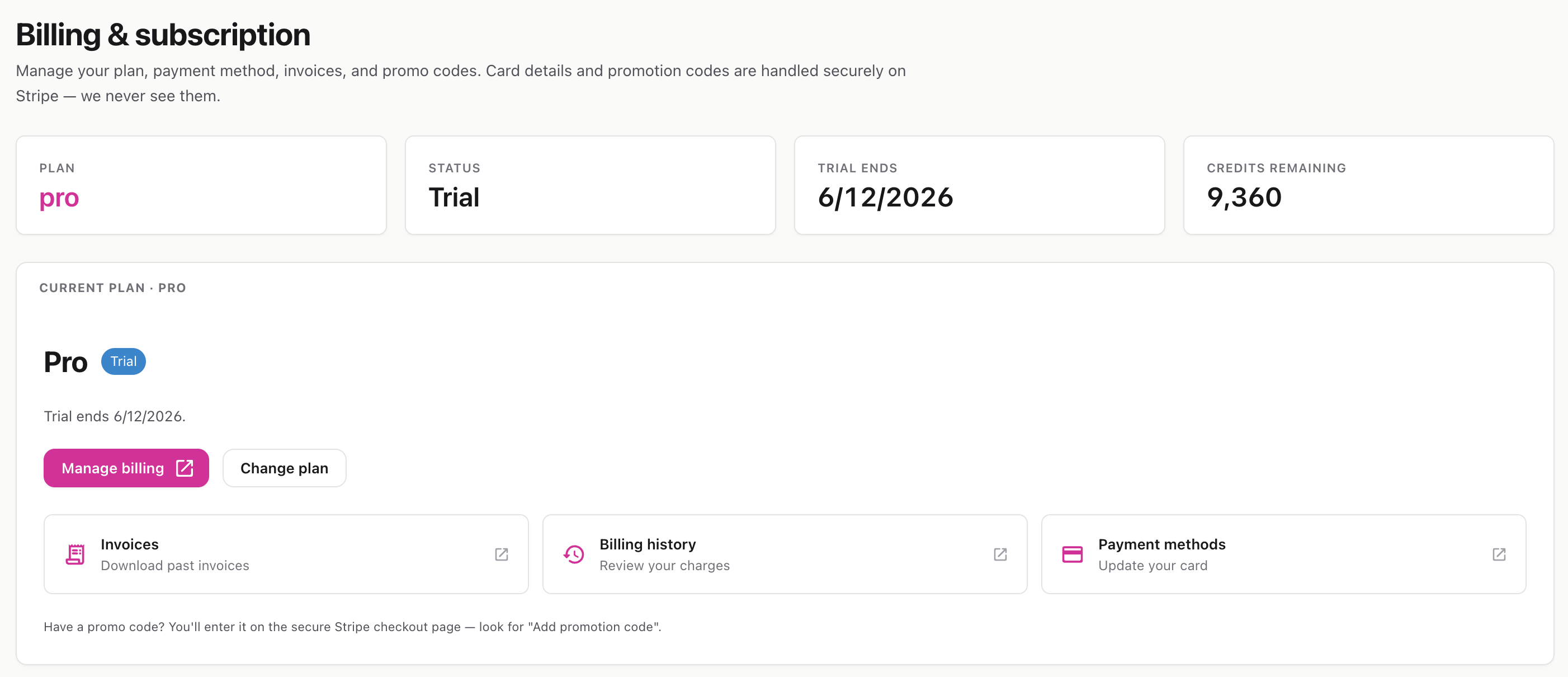
Your workspace’s billing hub — see your plan, credits, and renewal date, and manage payment, invoices, and upgrades through Stripe.
Route: /settings/billing
The Billing & subscription page shows your current plan and gives you the controls to change it. A stats strip at the top shows, at a glance:
Below that, the current-plan card describes your plan and shows any warnings (e.g., a failed payment).
Plan purchases and changes are handled securely on Stripe’s checkout — InteractiveDox never sees your card details.
Click Manage billing to open the Stripe customer portal in a new tab, where you can:
Quick-access tiles (Invoices, Billing history, Payment methods) jump you straight to those sections of the portal.
💡 Promo codes are entered on Stripe’s checkout screen (look for “Add promotion code”), not inside InteractiveDox.