PortalPublish Portal
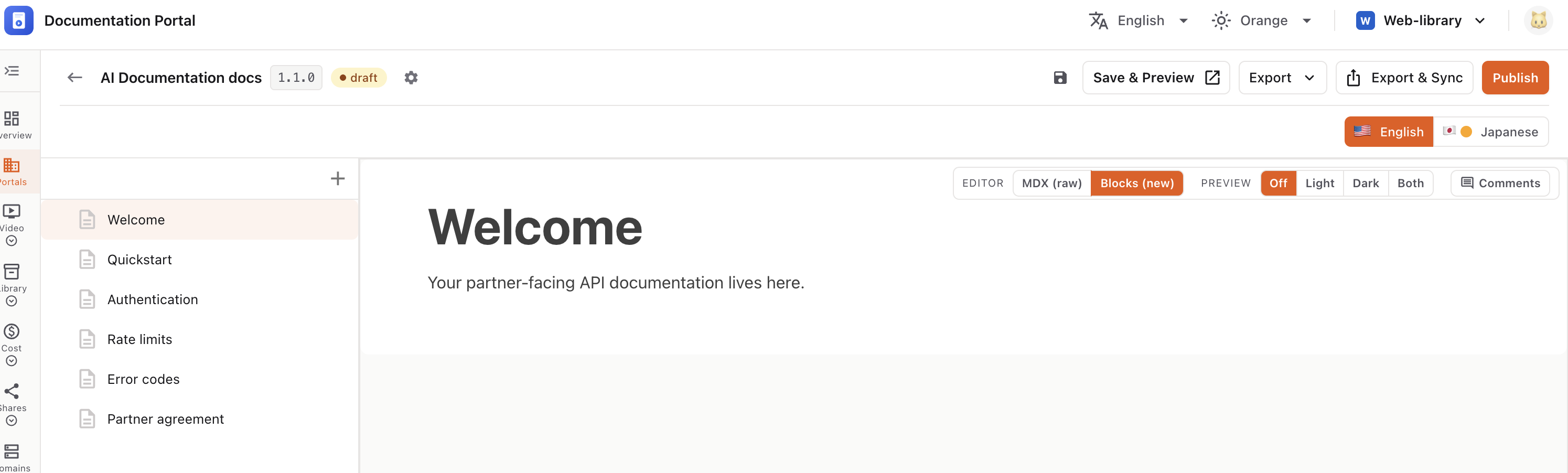
Make a version live to your readers — set its version name and security, then publish.
Until you publish, a version stays a draft and is offline. Publishing sets it active and refreshes the live docs site.
💡 If Password Protection is on, a password is required before you can publish.
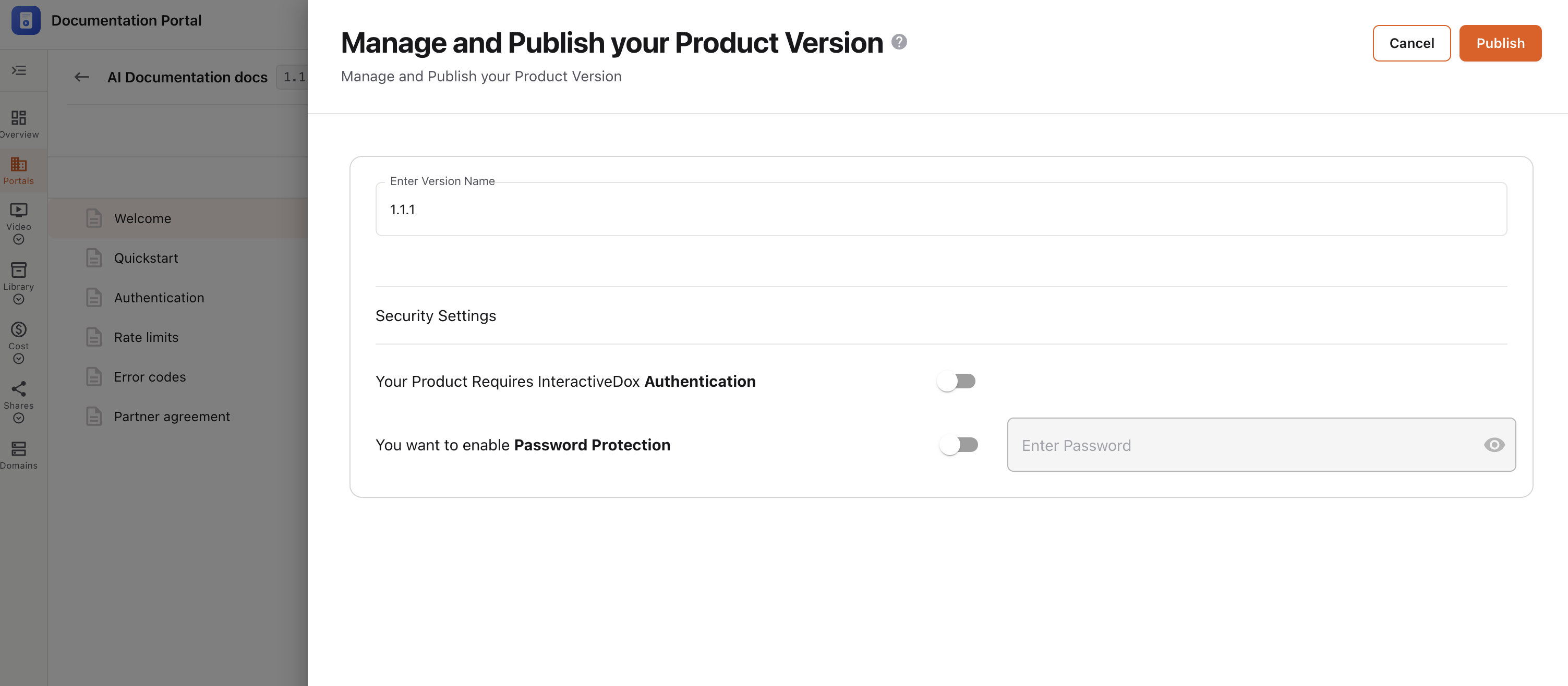
Click Publish. You’ll see “New version published successfully.” — the version goes live and the public docs site refreshes.
Use Cancel to close without publishing.
ℹ️ If a version is already published, this panel adds a choice for the existing version — keep it Published, mark it Deprecate or Inactive, or Override it with the new content.