PortalVersion Change Log
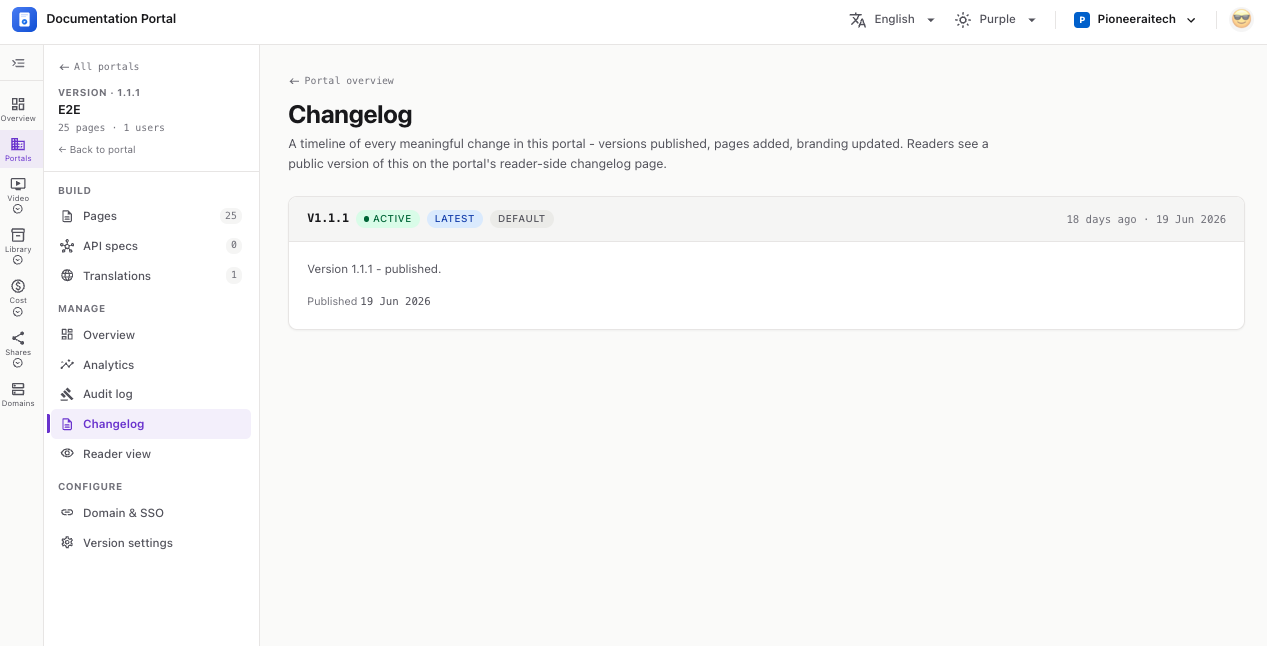
A timeline of every meaningful change in your portal — versions published, pages added, branding updated. Readers see a public version of this on the portal’s reader-side changelog page.
Open a portal and version, then choose Changelog under Manage in the left nav.
Each version appears as a card, newest first. A card shows:
v1.1.0) with badges — draft / published, latest, default.💡 The timeline is generated automatically from real version activity — no manual entry needed. Before you create any version, it reads: “No versions yet - once you create and publish a version, changes will appear here.”